
A calorie tracker built for athletes
Periodise calories across training and rest days without rebuilding your plan every week.

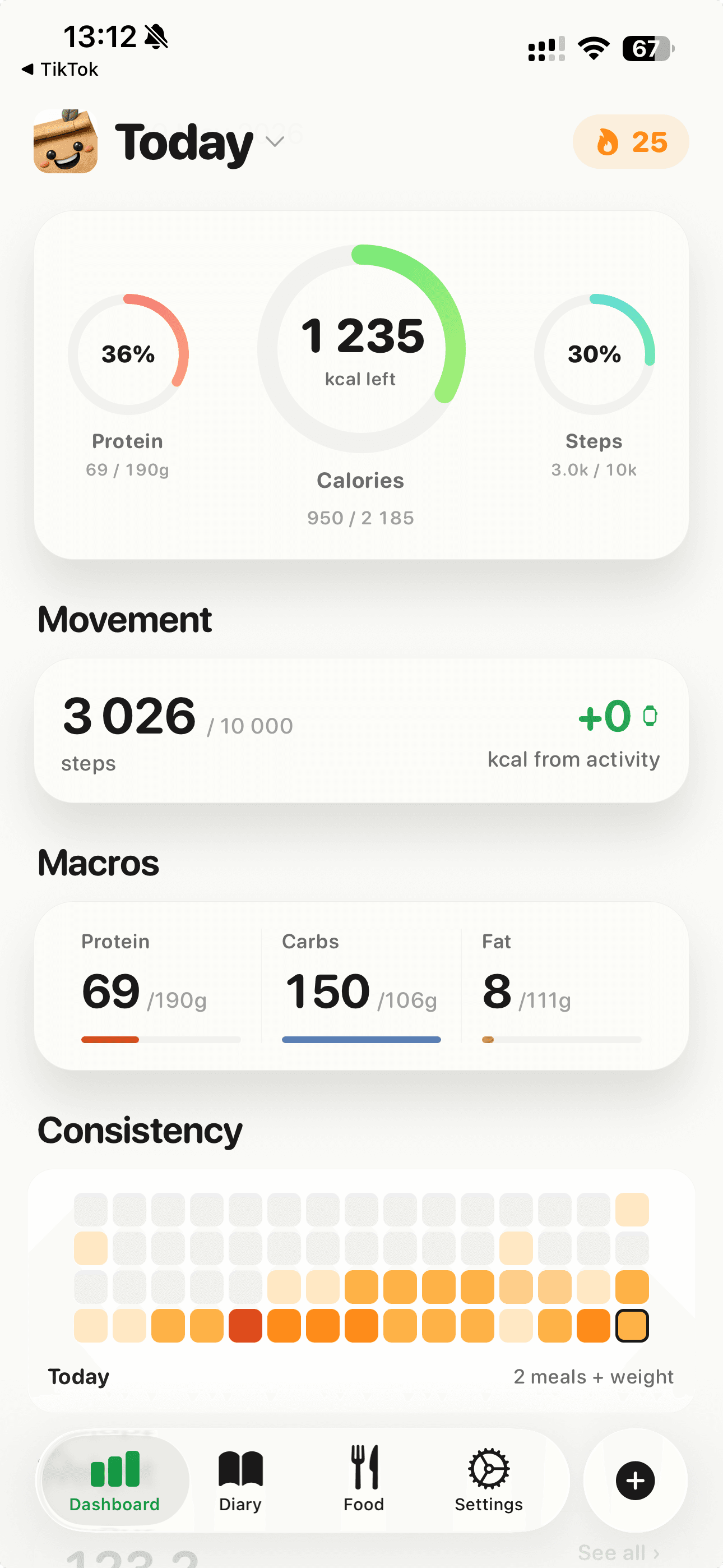
Athletes need more calories on hard training days and fewer on rest days. Most trackers force one number for the whole week. healmeal lets you set day-specific targets, syncs with Apple Watch and Garmin via Apple Health, and adds calories back from activity automatically.
For: Endurance, strength and team-sport athletes who train 4+ times a week.
What you get
Day-specific targets
Higher calories on training days, lower on rest days. Set once, repeats weekly.
Activity calories back
Apple Health pulls steps, workouts and active energy. healmeal credits them against your day so you don't accidentally under-eat.
Carb periodisation
Push carbs on heavy days, drop them on light days. healmeal handles the macro split per day.
Refeed and diet break support
Plan a 5 to 7 day refeed at maintenance and healmeal flags when to take one based on trend.
FAQ
Does healmeal sync with Garmin or Polar?
Through Apple Health. Garmin Connect, Polar Flow and Strava all write to Apple Health on iPhone, and healmeal reads it from there.
How many extra calories should I add on training days?
Depends on session length and intensity. A rough rule: 5 to 8 kcal per minute of cardio, 4 to 6 kcal per minute of lifting. Use the activity-back feature and refine after two weeks.
Log it in healmeal.
Point your camera at the food and the macros land in your day.